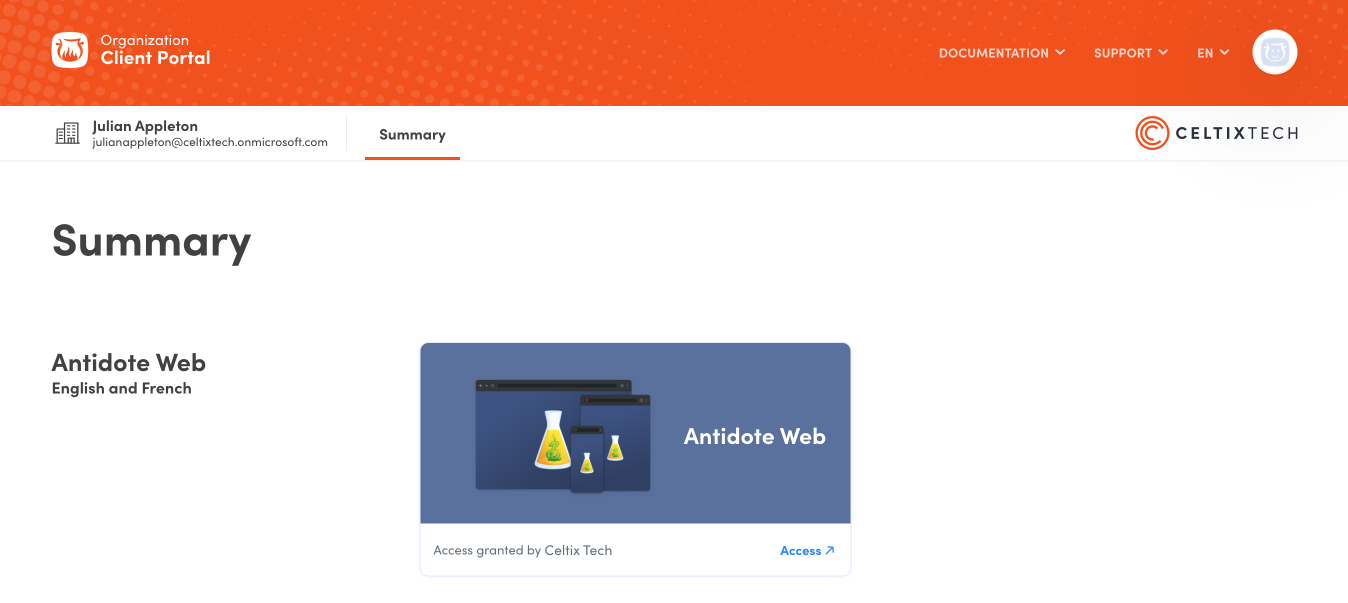
If your organization uses automated account provisioning, users will log in with their credentials from your identity provider.
The first time they log in, they need to follow the process below. Once their accounts are linked with your identity provider, they only need to complete the first step.
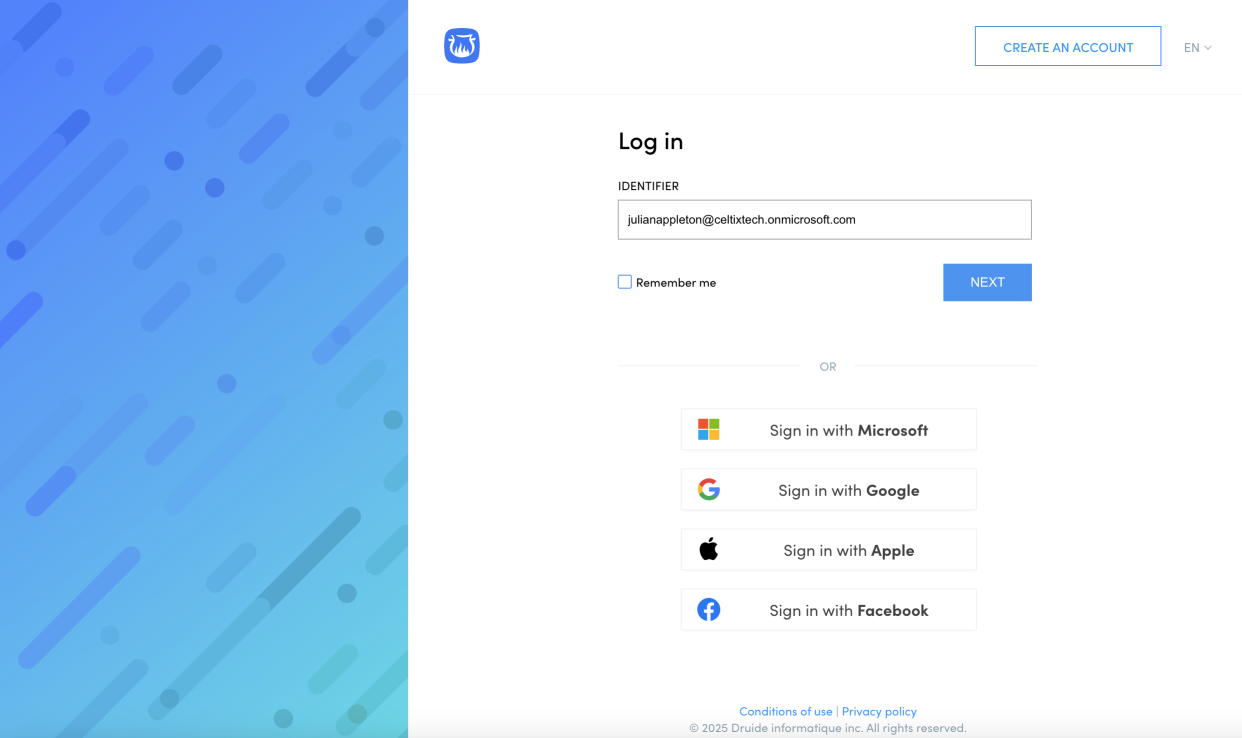
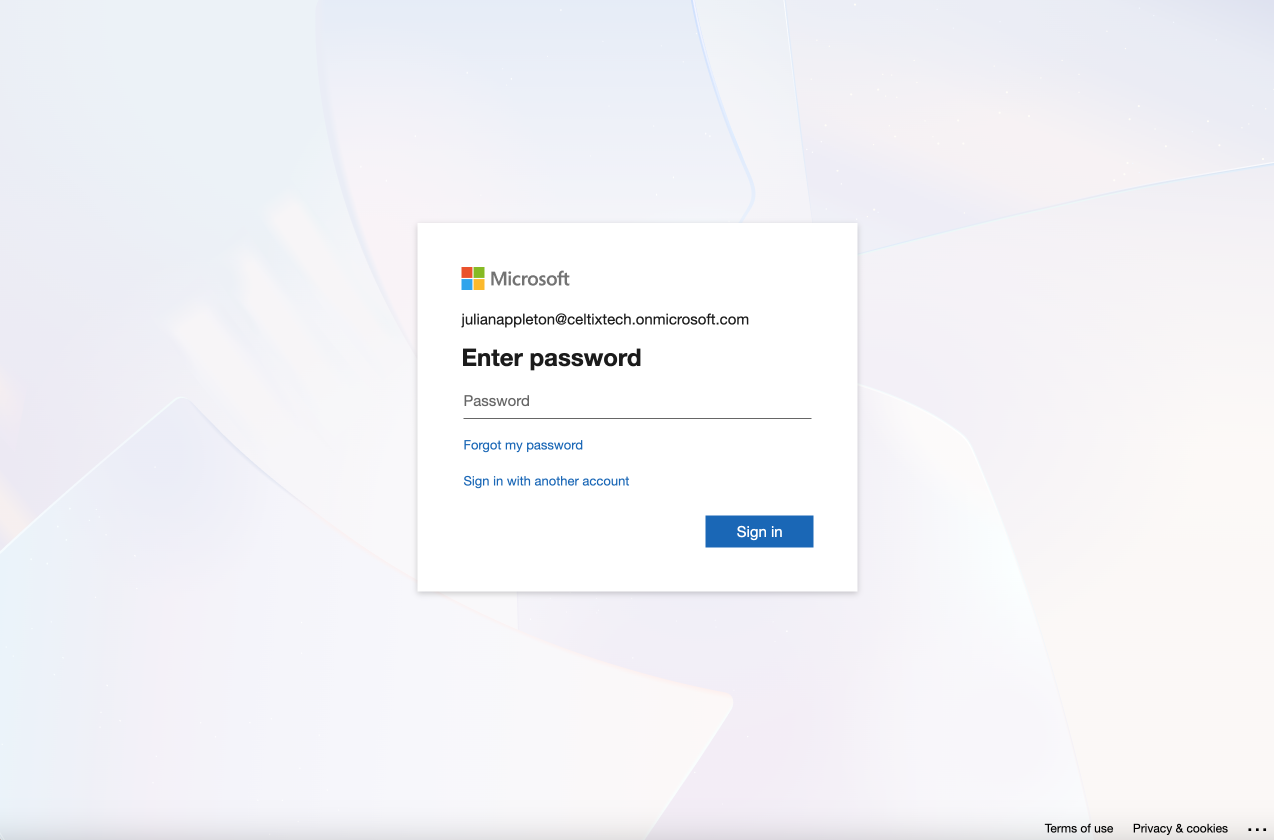
They must enter the email address associated with your identity provider in the Identifier field. This will redirect them to the login page of the identity provider (e.g. Microsoft).
Important — Tell users not to click Sign in with Microsoft or Sign in with Google on the login page. This is a different process, and they might not be properly redirected to the ID provider login page.
If they haven’t already, they must accept the Conditions of use and Privacy policy by checking the box (1) and clicking Continue (2).
1
2
This step depends on whether the user already has a personal Druide account using their organization email address.
A) If they do not, the link between SAML and their Druide account will be transparent, and they can go to step 4.